Account Management
Trouble Logging In?
Locked out? Nearly every login problem falls into one of the cases below, and most take under a minute to fix.
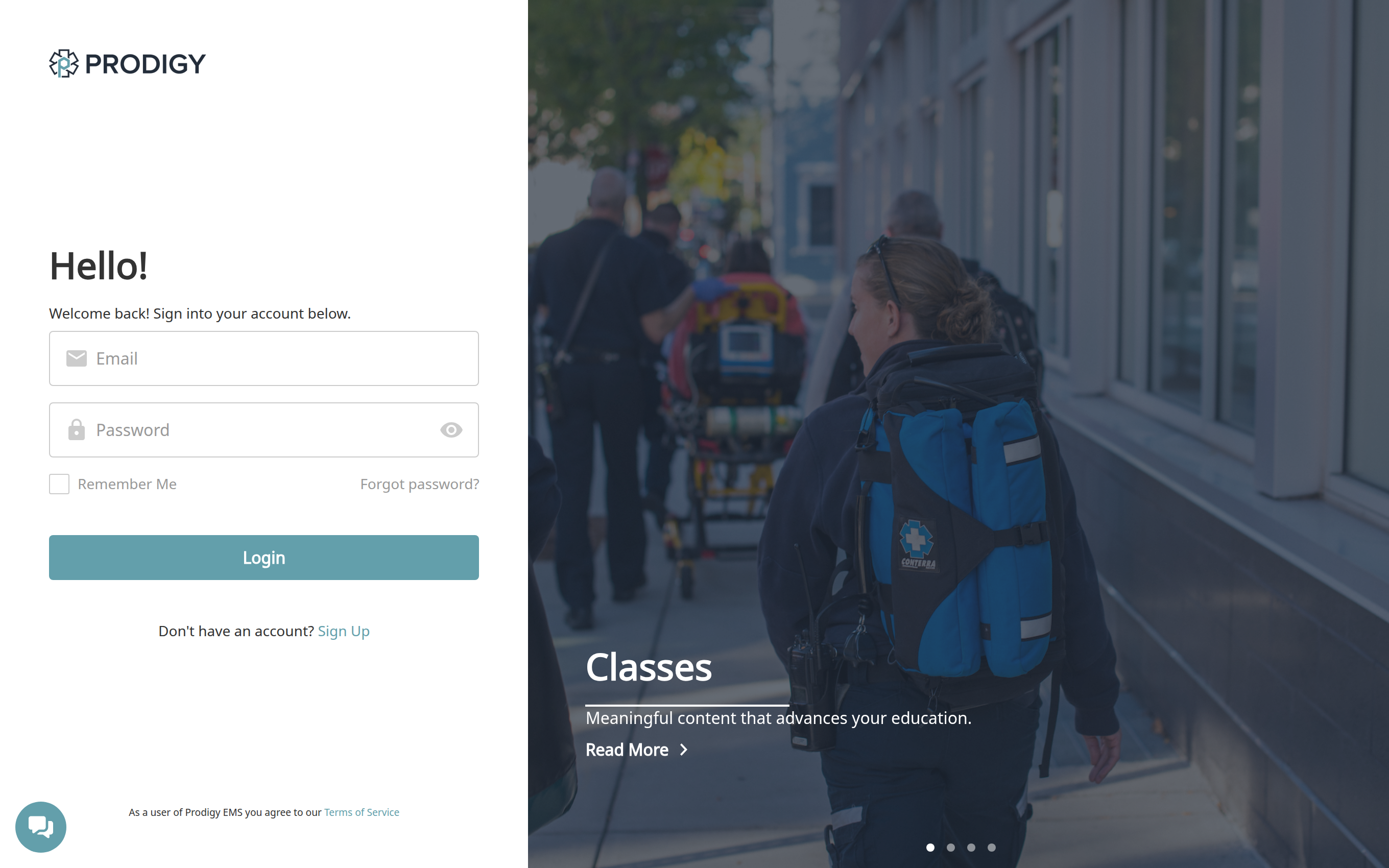
Forgot Your Password
Click Forgot password? on the login screen and enter your email address. We'll send a link to reset your password. If it doesn't arrive within a few minutes, check your spam and junk folders — and make sure you entered the address your Prodigy account actually uses (see the next section).
Wrong Email Address
The most common cause of "my password doesn't work" is trying to log in with a different email than the account was created with — a personal address instead of a work one, an old department address, or a typo made during signup. If password resets never arrive, try requesting one with your other addresses.
You Have More Than One Account
If you've worked with multiple departments or signed up more than once with different addresses, you may have two accounts — and your training history may be split between them. You can combine them yourself: log in to the account you want to keep, open Manage Account from your profile menu, and under User Settings go to Emails & Account Merge. Click Merge Existing Account, enter the email address of your other account, and click Request Merge. We'll send that account a confirmation email — approve it and the two accounts are combined into one.
Once merged, all of your data — class completions, certifications, training plans, and organizations — lives in the account you kept, and you can log in with either email address. Merging is permanent and can't be undone, so do it once you're sure both accounts are yours. If you can't get into one of the accounts to complete the merge, contact Support@prodigyems.com and we'll help. For the complete step-by-step, see Merging Accounts.
An existing account can also be connected to a new department — you don't need to create a fresh account when you join one. If your department sent an invitation to a different address than your existing account, you can still accept it and connect the account you already have. See Managing Users for how invitations work.
Your Invitation Doesn't Work
If you're trying to join through an emailed invitation and the link doesn't go through, ask your training officer to resend it — they can do this from the Invitations tab in the Users section. If the invitation email never arrived at all, spam filtering is the usual reason — Didn't Get an Invitation Email? has the full checklist for your training officer to work through.
The Login Page Itself Misbehaves
If the login page won't load, the button does nothing, or you're bounced back to the login screen after signing in, the problem is usually the browser or the network rather than your account. The quick checks in Try This First clear most of these; the essentials are:
- Try an incognito/private window, and try Google Chrome or Microsoft Edge if you're using something else.
- Try a different network (like a phone hotspot). If that fixes it, a firewall or filter on the original network is interfering — send your IT department our URL Allow List.
- Still stuck? Capture diagnostics with the Network Troubleshooting Guide.
Still Locked Out?
Use the chat icon in the corner of the login page — it works without being signed in — or email Support@prodigyems.com from the address you believe is on your account. Tell us what happens when you try to log in and what you've already tried.